

The business can choose to give employees access to view closed deviations in the deviation system. This makes it possible to learn from past events and support continuous improvement.
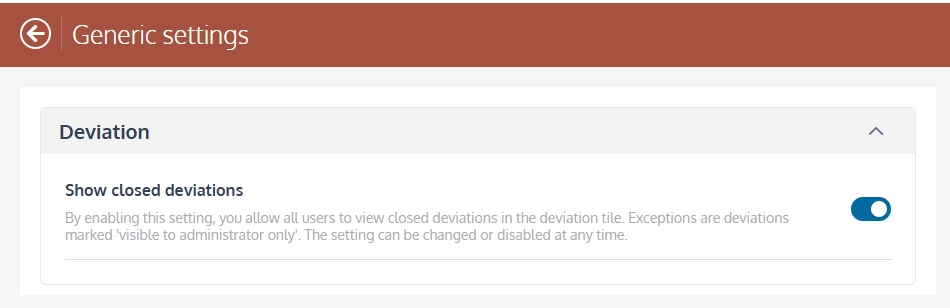
Once the setting is enabled, users will be able to access the tab Closed in the nonconformance list.
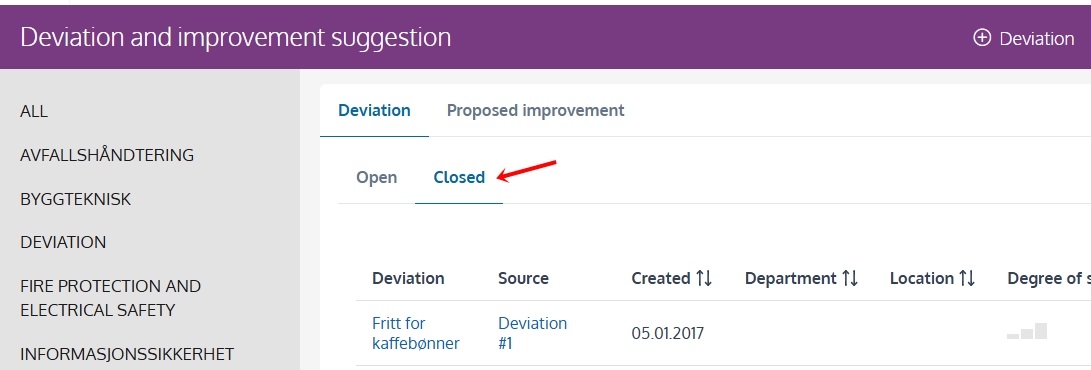
In the Group only appears the Group's own closed deviations in the list. Closed deviations from subunits are available via Reports.

