
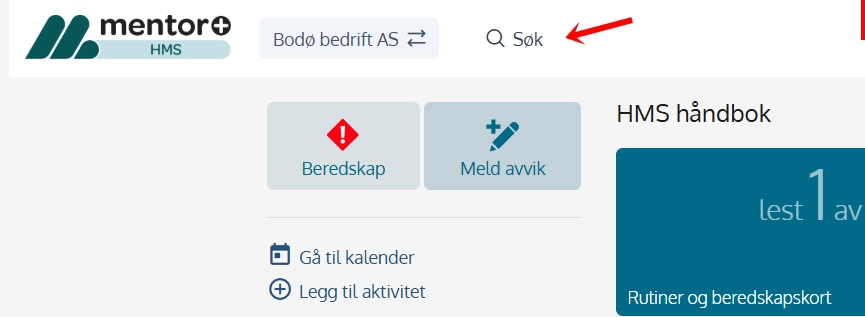
The parent search bar is always available at the top of the system, regardless of which page or module you are inside.
You can search manuals, checklists, risk assessments and attachments (depending on your role and the modules your organization has). The search results clearly show title, type of content and where the hit comes from, allowing you to quickly assess the relevance.
Click on a search result to open the correct content in the same tab. If the search does not match, you will be notified.
🔎 The search starts after 3 Characters and updates automatically as you type.

