The Notification Center gives you an overview of important events and tasks. Here, all notifications are collected in one place, so you can easily follow up on what concerns you. Notifications can be both system-generated and sent as reminders from the editor or administrator.
You can find the notification center here:
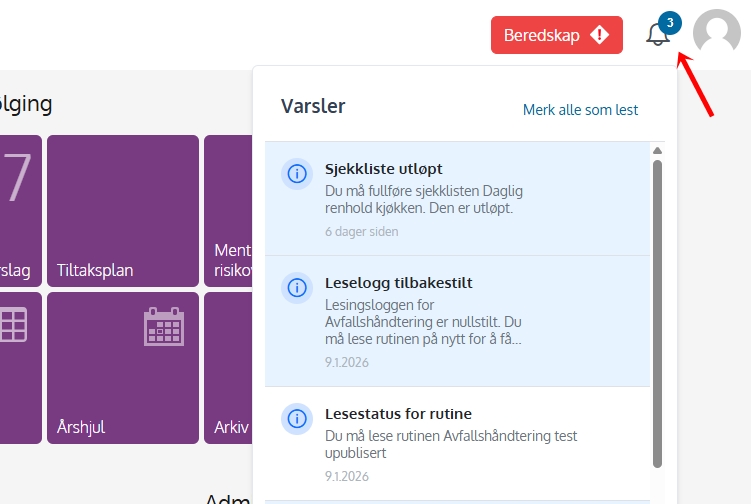
An alert is a message informing you that something requires attention, such as:
By clicking on the notification, you will go directly to the relevant content.
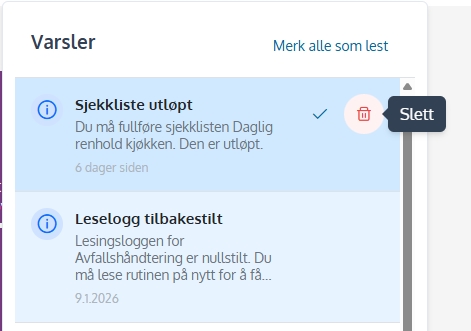
Once you've read and handled an alert, you can delete it from the Notification Center. This makes it easier to keep track of what is still left.
To delete the notification, select it in the list. There will then appear a delete icon on the right which one can tap to delete.