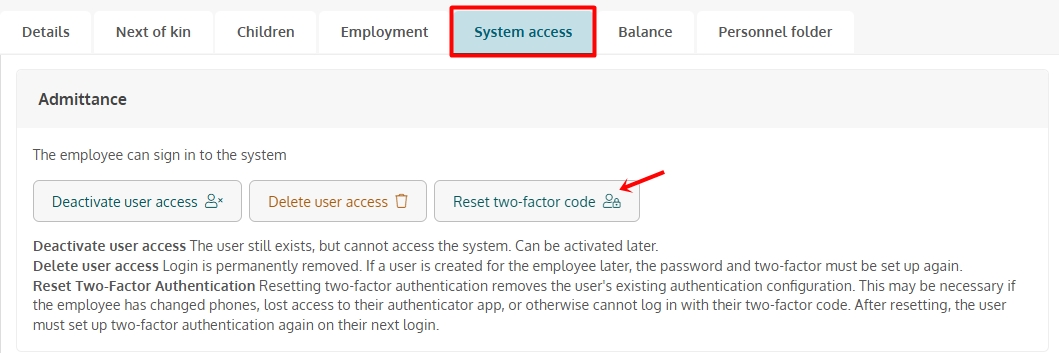
Employees must have an active employment relationship and be assigned user access to access Mentor Personal. User access can be found in the “System Accesses” section of the employee card.
Login link sent by email to employees has a duration of 21 days. If the employee has not logged in within 21 days, the administrator or personnel manager can send a new email with login from the “System accesses”
If you press the wrong password 5 times, wait 3 minutes before you can try again
Employees who receive a new phone or tablet must reset the Authenticator app. This can be done by an administrator in the organization from the System Access tab in the employee profile. Alternatively, you can contact support@mentorpluss.no