


Manager can upload files and write notes in the employee's personnel folder. The employee can also upload files and put their own notes in their own folder.
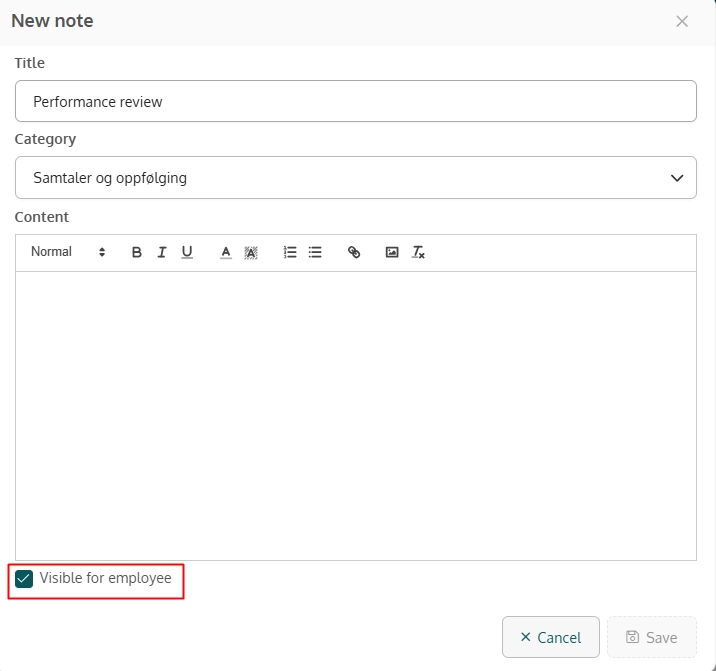
Manager can make files and notes visible to the employee by checking the box Visible to the employee.
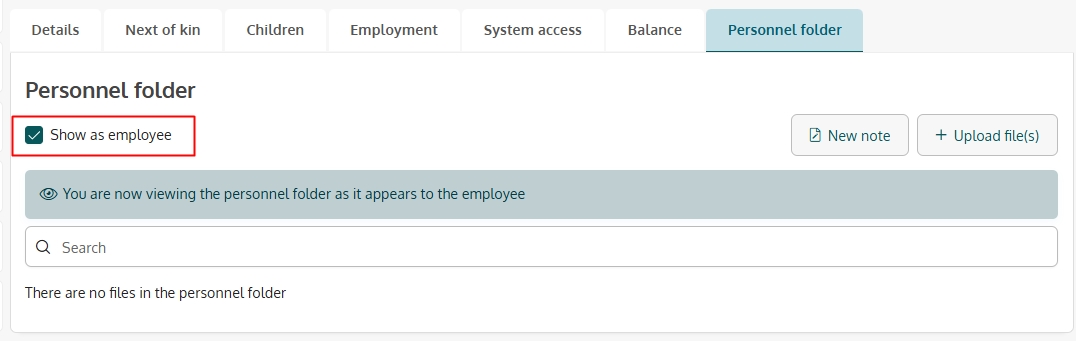
Manager can use the box Show as an employee to see what documents and notes the employee has access to.
Notes and files can be associated with categories. There are four predefined categories. In addition, the administrator can create new categories and subcategories under Settings → Documentation.
· The person who created a file or a note can delete, edit, and download it.
· An administrator can delete and edit all uploaded files and notes, except those uploaded by an employee themselves.
· An administrator and an HR manager can view and download all files that an employee has added to their personnel file.

