To have a corporate group created, you must contact Mentor Pluss Support. In the same process, we also create the first user with corporation access.
Once this group access is established, you can manage further accesses yourself and create additional users at the group level, as needed.
There are two levels of access in the corporation Platform:
Corporation Manager
Has full access throughout the corporation. This implies:
- Access to all units and all employees
- Ability to create, manage and edit registrations
- Access to sickness absence statistics for the entire corporatione, each unit and each employee
Corporation User
Has reading access to sick leave statistics for:
- Every unit in the corporation
Both roles access the corporartion Platform, but the features displayed depend on the role you have.
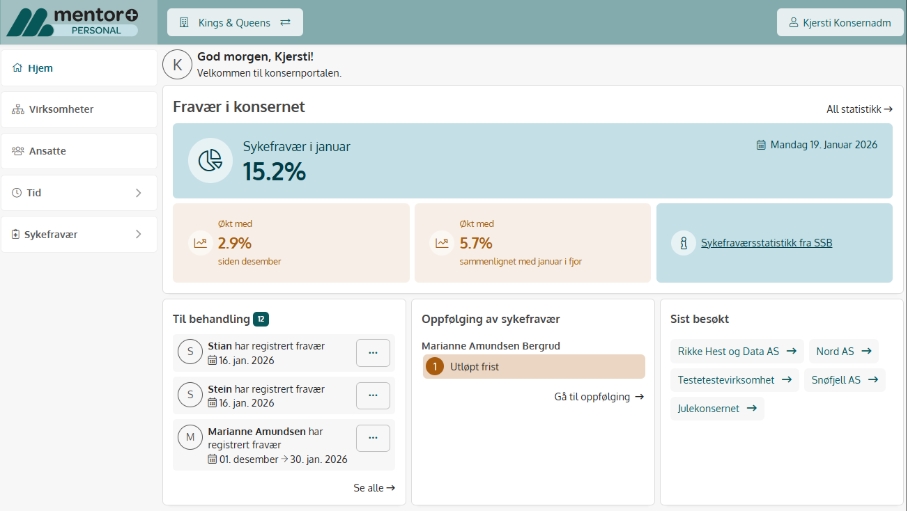
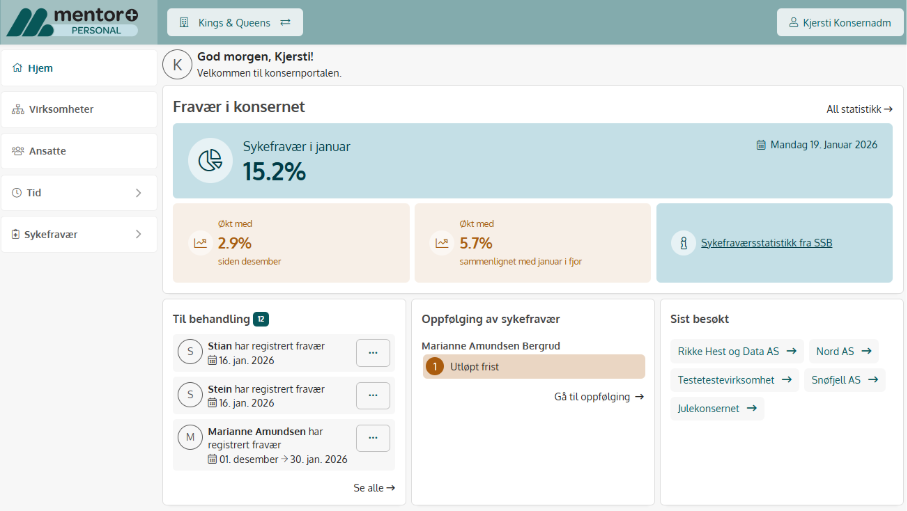
This is what you can do in the Group Platform
In the Group Platform you will find features that provide overview and insight across the Group:
- See an overview of all companies and employees in the Group
- See records of administrators without a human resources manager in the enterprises (senior manager) awaiting processing by the group administrator
- See sick leave follow-ups for administrators without a human resources manager (senior manager) awaiting treatment from a group administrator
- View sick leave statistics for each business or aggregated for the entire Group
- See an overview of the development of sick leave from the previous month and the previous year
- Open detail listings for each business